Rancher A new life Rancher: A New Life Settings and Tips
Tune graphics, input, and quality-of-life options for smoother ranch days.
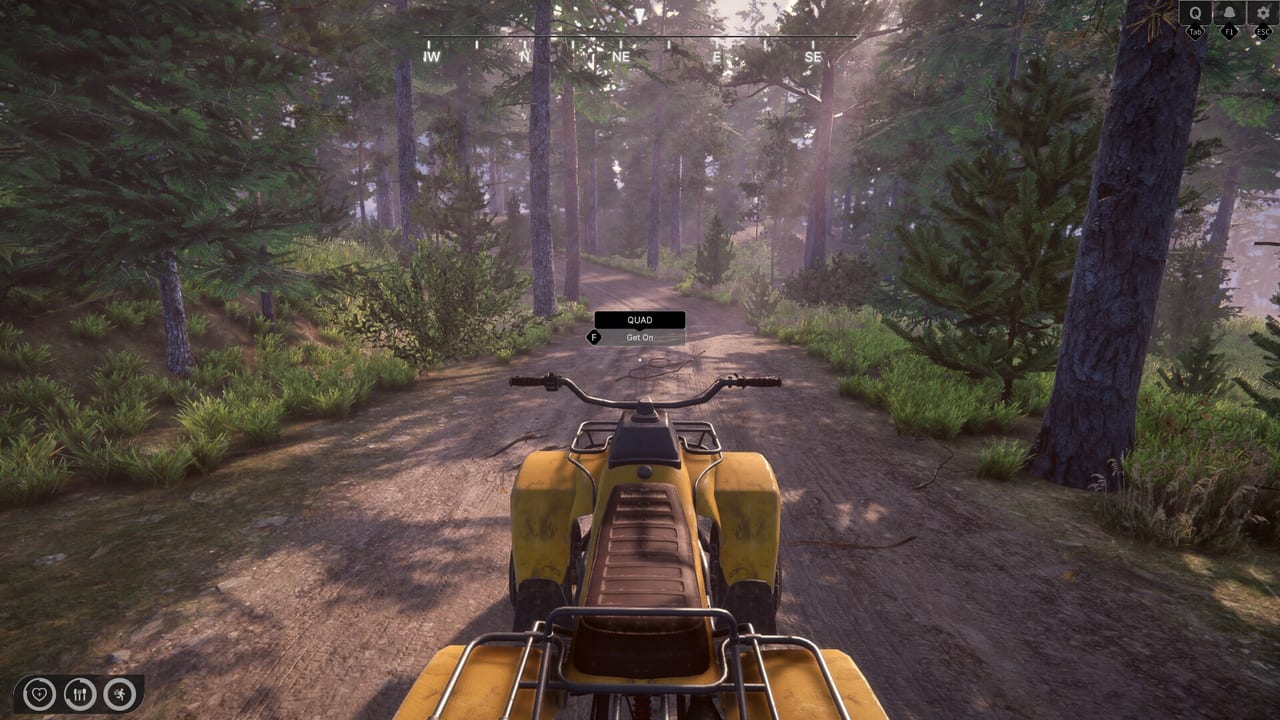
Settings menus turn Rancher: A New Life from a stuttery sightseeing walk into a reliable daily sim. Early Access on August 6, 2026 will ship with options that evolve across patches, but the categories below mirror demo builds and typical Sim Farm PC titles. Adjust them once per major update listed on Updates so control feel stays predictable.
Graphics and performance
Target stable frame times before maxing foliage distance. Forest trails, quad rides, and rain scenes stress mid-tier GPUs like the Steam minimum GTX 1650 4GB. Lower shadow quality and volumetric effects first; keep view distance moderate so landmark navigation from Map and Locations stays readable without slideshow hitch. Compare your hardware against System Requirements before blaming controls for sluggish camera motion—input lag often is frame lag.
Mouse and sensitivity
Separate mouse sensitivity for general look and optional aim-down-sights if shooting-range mini-games provide split sliders. Renovation placement in House Renovation benefits from lower sensitivity than combat ranges. Disable mouse acceleration at the OS level for consistent muscle memory across sessions. Pair with Keyboard and Mouse binding notes.
Controller dead zones
Right-stick dead zones reduce camera drift on worn gamepads. Left-stick dead zones prevent accidental walk-away during workshop nail timing. Increase outer dead zone slightly on Steam Deck sticks if quad steering feels twitchy. Full verification waits for Early Access—see Controller launch checklist.
Invert and comfort options
Invert Y-axis on look or vehicle camera if forest slopes disorient you. Head bob toggles help motion-sensitive players during horse travel. Field-of-view sliders, if present, reduce claustrophobia indoors while painting tight corners.
Audio and feedback cues
Raise ambient or UI volume if bill warning cues for water and electricity cuts are easy to miss while chopping wood. Footstep and animal vocal cues help locate livestock without opening the registry app constantly—balance against music if you need clearer feedback.
Language and subtitles
The demo lists a limited number of languages compared to the full game goal. Set text language before starting tutorials so keybind hints match your UI. Subtitles help junkyard NPC dialogue and shop interactions in Shops and Town.
Autosave and session length
Early Access sims benefit from conservative play sessions before hotfixes. Note autosave frequency if the menu exposes it; manual save before big renovation spends or animal market purchases prevents rollback frustration. Finances app snapshots help you reconcile cash after crashes even when saves survive.
Accessibility
Look for hold-to-toggle options on interact holds during cleaning minigames. Colorblind filters help crop markers in Farming if color alone indicates readiness. Rebind keys that strain pinky fingers during long crafting sessions in Workshop Builds.
Steam overlay and cloud
Disable conflicting Steam overlay shortcuts that steal keys used for sprint or phone apps. Steam Cloud—if enabled—syncs settings across PCs; verify cloud did not import outdated sensitivity from a weaker laptop.
Demo versus EA settings
Demo patches fixed tooltip and UI issues but may not include final graphics scalers. Re-run this tuning checklist after installing EA rather than copying demo INI files blindly—new options like DLSS or FSR may appear at launch.
Related guides
Link tuned settings to Guides progression routes, Tools app usage, and Review and Early Access Overview for realistic performance expectations during the roughly one-year EA period.
Post-patch reset habit
After each major Early Access update, spend five minutes re-walking the settings menu. Sim Farm has already changed demo UI behavior between festival builds, and graphics toggles may reset or gain new entries without loud patch notes. Screenshot your final slider values in case Steam Cloud reimports an older config from a secondary PC.
Frequently Asked Questions
Quick answers to common ranch questions.
Should I cap FPS on a GTX 1650?
A stable 60 FPS cap often feels smoother than uncapped spikes. Lower shadows first, then post-processing, if you drop frames in forest scenes.
Do demo settings transfer to Early Access?
Not automatically. Reconfigure graphics and controls after installing the EA build in case new options or defaults appear.
Where do I fix mouse acceleration issues?
Disable acceleration in Windows mouse settings and use in-game sensitivity sliders. High acceleration ruins furniture placement precision.