Rancher A new life Rancher: A New Life Controls Hub
Keyboard, mouse, and gamepad guidance before and after Steam Early Access.
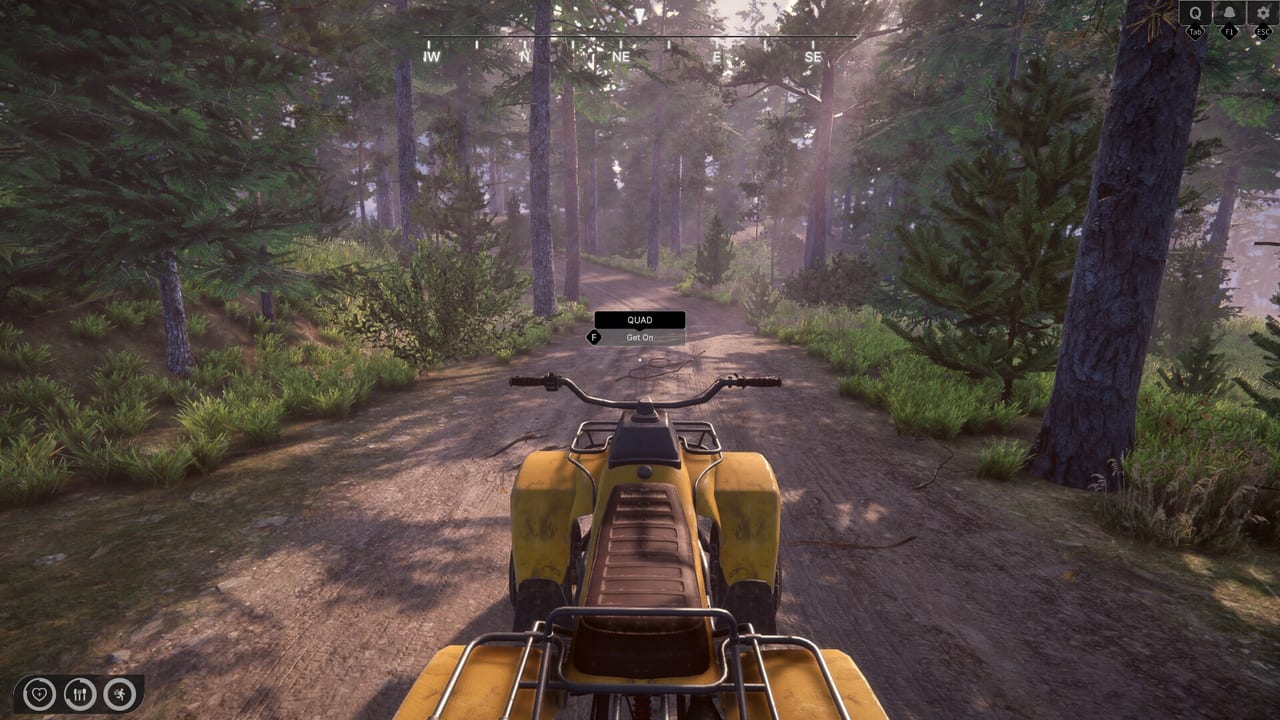
Controls can make or break a first-person ranch sim. Rancher: A New Life ships to Steam Early Access on August 6, 2026 with a split worth remembering: the public demo supports keyboard and mouse only, while the full Steam listing advertises full controller support alongside traditional PC input. This hub keeps those differences visible so you do not arrive launch day with the wrong device.
Controls pages
Keyboard and Mouse documents movement, interaction, inventory, and UI shortcuts tested in the demo build. Controller explains what the full game promises for gamepads, how to plan rebinding, and what still needs verification once Early Access servers go live. Settings and Tips covers sensitivity, invert options, accessibility tweaks, and performance-related settings that affect how controls feel on mid-range hardware.
Why input matters on a ranch
Ranch chores mix precision and endurance. Workshop crafting asks for steady cursor or stick aim when placing boards and nails. House renovation minigames reward calm camera control while painting walls or aligning furniture. Quad racing and shooting-range side activities punish sloppy steering. Animal care menus—feeding, medicating, registry updates—are faster when you memorize a consistent confirm and cancel pattern.
If you play on Steam Deck or a couch setup, read controller notes even if you learned the demo on keyboard. Early Access day-one patches sometimes adjust dead zones or menu focus order; check Updates after major builds.
Cross-links
Gameplay systems behind each binding live in Guides, Ranch, Farming, and Animals. Utility apps opened from the in-game phone or tablet interface are summarized under Tools. For minimum and recommended PC specs that affect frame time—and therefore input lag—see System Requirements.
Demo versus Early Access
Treat every demo-specific binding as provisional. Sim Farm has patched demo controls multiple times during Steam festivals, and Early Access may add actions for new animals, vehicles, or roadmap locations. Revisit this hub after launch week if something feels unresponsive or if a new tool appears without a visible hotkey.
Accessibility and hardware checklist
Before marathon sessions, confirm mouse DPI, controller firmware, and monitor refresh rate match the sensitivity values you configured in-game. Small hardware mismatches feel like bad game design when renovation placement misses by centimeters. Keep a printed cheat sheet of phone app shortcuts near your desk until muscle memory sticks—finances and registry checks should never require menu hunting during timed animal care.
Launch-week verification plan
On Early Access day, spend ten minutes proving that inventory, cooking prompts, vehicle steering, and furniture placement all respond cleanly on your preferred device. If anything feels sticky, switch temporarily to the other input method rather than abandoning a save. Document what failed and retest after the first hotfix—control bugs often land in day-one patches alongside balance tweaks.
Frequently Asked Questions
Quick answers to common ranch questions.
Does the demo support controllers?
No. The demo page lists keyboard and mouse only. Wait for Early Access or patch notes before assuming gamepad support in the trial build.
Will Steam Deck work at launch?
The full game lists controller support, which helps Deck play, but verify Proton compatibility and performance after Early Access opens.
Where are key rebinding options?
Check [Settings and Tips](/controls/settings-tips/) for expected menus; confirm exact rebinding screens once the Early Access client is installed.